
No More Bugs: 7 Tips for Error-Free Vibe Coding
Save yourself from debugging loops and "try again" prompts

If you’ve been trying to vibe code but keep running into bugs, or you get stuck in a loop of saying “fix this, fix this, fix this,” this post is for you.
Because look, it’s not your fault. Without the right strategies, vibe coding doesn’t work.
Maybe you’re going to get a basic MVP working, but as the app gets bigger and more complicated, things are going to start breaking and you’re going to get frustrated.
So here are the strategies I wish somebody had told me about how to vibe code effectively so you can build your dream software as quickly and pain-free as possible.
And if you’d like to see these in action, be sure to check out the accompanying video for this post:
1. Use the Right Tool
There are tons of tools out there that promise to make vibe coding easy. They say you can just go to this website, type in some description for your app, and you’re going to get a beautiful functioning tool right away.
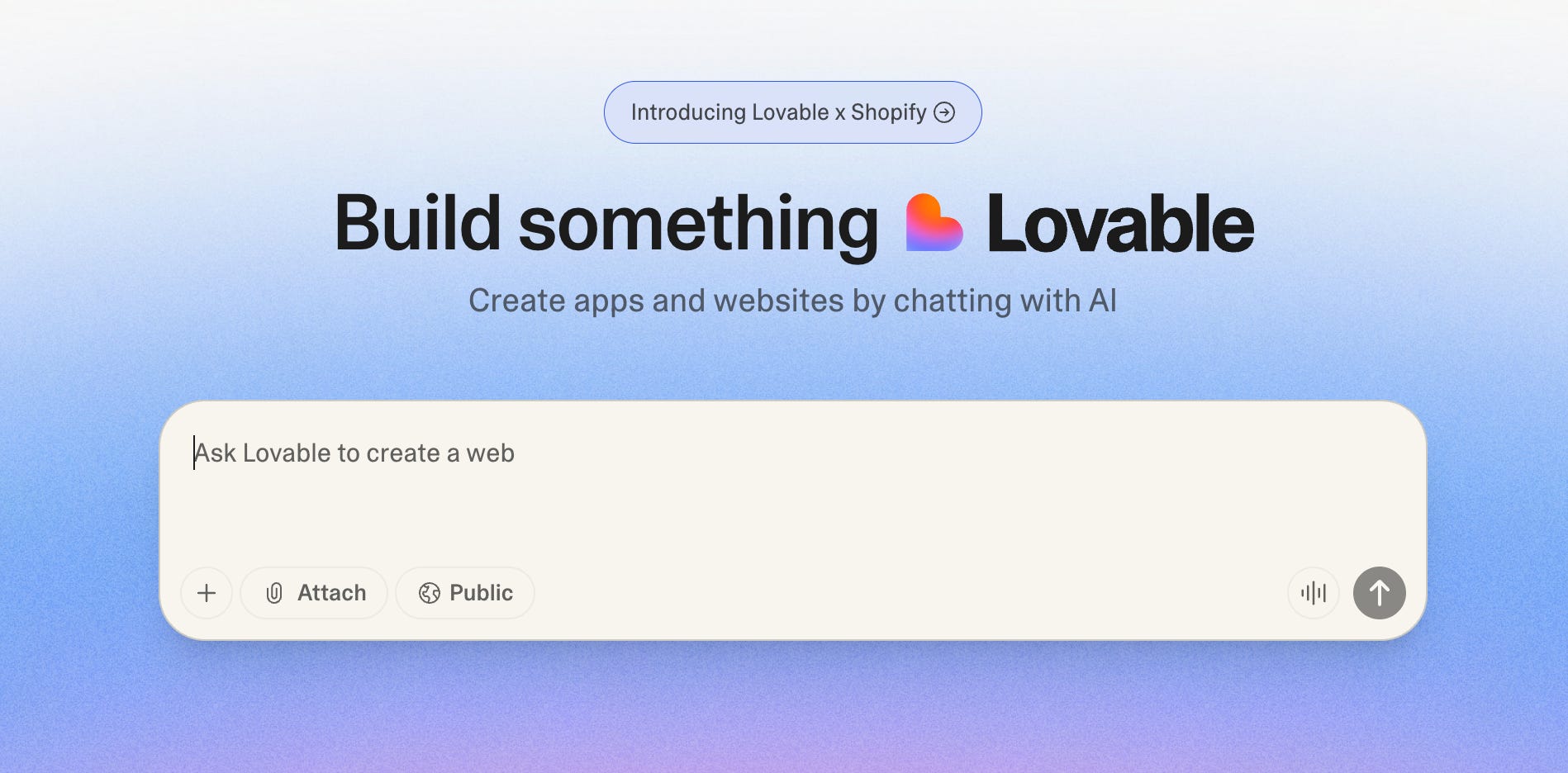
You can sometimes get a decent MVP out of these tools, but that’s about it before you start running into issues. And a bit part of it is because they’ve made themselves so friendly to new users. They look shiny, but their capabilities are limited because they live in these sandboxed web-based UIs.
To get the best results vibe coding, you should jump to the slightly more intimidating but much more competent tools that live on your computer, like Cursor, Claude Code, or OpenAI Codex.
Yes, they’re going to take you a few more minutes to get comfortable with, but you’re going to get much better results out of them.
And once you get used to building this way, you’ll realize how limited you were by the web-based tools before.
If you’re a student in the Build Your Own Apps course, remember you get a free month of Cursor Pro to try it out!
2. Don’t Do Too Much at Once
You likely have some big dreams and plans for what you want to build, but if you dump that entire dream into a prompt, you’re going to get a mess.
You’re going to spend hours debugging, and you might even have to delete all of it and start from scratch.
So one of the best things you can do is create a list of ideas for what you want to build in your app and then tackle them one at a time.
Let’s say we’re working on a simple website blocker. Instead of saying, “I want you to add user accounts and lists of websites to block, and I want you to change the UI, and I want you to do all these other things,” you can break those goals down into discrete steps in your project.
Create a Markdown document in your project called “PLAN.MD” where you list out everything you want to build eventually. For this project I might include:
User logins for sharing across devices.
Lists of sites in different categories to block.
A nuclear option where I can’t turn off the timer.
Then instead of dumping all of that into the chat and saying build this, I can take it one by one, making sure each feature works before moving on to the next one.
And to make it extra robust, you can try to think about which of your features depend on other features, and build those ones that are more foundational (like user logins) earlier in the process.
3. Use AI to Create a Detailed Plan
Let’s say I wanted to add just one of these features, maybe listing out sites in different categories to block. Instead of simply copying that goal and telling the coding tool to build it, I can ask the tool to help me make a plan:
Prompt: “Here’s one of the next features I want to build. Working in Plan.md, help me come up with a detailed plan for implementing this feature step-by-step without any breaking issues.”
Once that plan is done being written and I’ve reviewed it, then I can set the tool to work implementing it.
By taking a feature, asking your tool of choice to come up with a plan, and then asking it to follow the plan, you’re going to get much better results. Some of these programming agents, (like Claude Code in particular), actually have a planning mode where you can ask it to come up with a plan and then tell it to just follow the plan right there.
But even with Claude, I often find creating this document gives me a better output than fully trusting its built-in planning mode.
4. Create a Guide Document for Your AI Agent
If you’re using one of the tools I mentioned in the first tip: Cursor, Claude Code, or GPT Codex, they have special documents they read before they start any task you give them, which helps orient them to your codebase and your goals.
If you’re using Cursor or Codex, that document is called “AGENTS.md.” If you’re using Claude, it’s called “CLAUDE.md.”
In this file, you list out all the important things for the agent to know about your project before it starts working. You could include your goals, an overview of the project’s structure, notes on how it’s deployed, and any issues you’ve run into in the past.
The best thing is that you don’t even have to write this yourself. If you type “/init” in Claude or Codex, it will generate a basic one for you.
If you’re in Cursor, just open a new chat and tell it to make one:
Prompt: “Help me flush out an AGENTS.md document with everything a coding agent should be aware of before working on this project.”
Then Cursor will scan through all of the code in your project, figure out what are some important factors to keep in mind, like style that the code should follow, libraries it should use, and the goal of this project.
Everything that is important as context to give to the agent before it starts working will help reduce your messes going forward. This is really great if you have certain style guides you want it to follow, or if you know that errors have happened in the past from trying to do things a certain way.
Another bonus tip here is before you commit any of your work to GitHub or before you publish anything, or whenever you build a new feature, be sure to prompt Cursor or whatever coding agent you’re using to update your AGENTS.md with the new changes that have been made, so that future agents you spin up to work on your project have that context provided to them.
5. Have AI Add Tests to Your Code
This is a bit of an advanced tactic if you’re coming into coding through vibe coding, but you can actually create “tests” that are run against your code to make sure it is still behaving how you want it to, which you can run from your computer or every time you push your code to GitHub.
Testing is essential for good software development, and it’s particularly helpful when you’re vibe coding as your app gets bigger and bigger. The more complicated your app is, the more likely your AI agent of choice will accidentally break something as it works on it, and tests help you make sure those mistakes are caught before you push them live.
Now obviously, you could write all of these tests yourself if that is something that you want to do or want to learn how to do, but your vibe coding tool of choice can also add these tests for you.
All you need to do is open up the chat and say:
Prompt: “This app is working great right now. Create a comprehensive test suite for all the current features that passes so we can make sure we don’t break anything in the future.”
The agent will go through the app, figure out everything that the app does right now, and create a testing suite to make sure that when we add new features or when we change things, we don’t break what’s already working.
If you want to get more advanced with this, you can also push this testing suite up to GitHub so that GitHub runs it on your code before you merge any changes to make sure that you’re not pushing anything breaking to your live product.
Finally, updating your test suite is another really good habit to get into whenever you make some update to your app. Tell Cursor or whatever agent you’re using to update your testing suite with the new features and changes and to run all the existing tests to make sure that nothing has been broken.
This doesn’t replace needing to test your app yourself to make sure it works. But it will catch many errors that might be introduced by other vibe coding that you are doing on a project.
6. Use AI to Review Your Code
If you’re working at Facebook, you wouldn’t just push up a new feature without other engineers reviewing your work. If you’re a solo developer or vibe coder you might not have a peer who can review your work, but AI can.
Assume I used Claude Code to create an initial testing suite for my app. Before I push it up, I can open Codex and ask it to review the tests that Claude created:
Prompt: “I’ve created a test suite for this app. Please make sure it’s comprehensive and come up with a list of any suggestions you might have for improvements.”
This is great to do whenever you build a feature or whenever you make a big change. Before you spend a bunch of time testing it out yourself, just ask another AI to review the work and make sure it’s solid. It helps ensure your code is concise, comprehensive, error-free, and achieving the goals that you want it to achieve, with minimal intervention on your part.
As an added tip, installing the Claude Code Github App will enable an automatic code review for any new pull requests you open.
7. Talk, Don’t Type
This is a subtle tip but a surprisingly effective one. Don’t type out your prompts when you’re working with an AI coding tool. Dictate them instead.
When you’re typing, you’re naturally going to be more concise simply because typing is a little bit harder than talking.
But if you use a voice-to-text tool, like Monologue or Wispr, then you will naturally be more verbose in your instructions.
You’ll also notice as you’re speaking and giving instructions, you start to think of other things that you want to make sure the agent stays aware of. Speaking generates new ideas in a way you don’t always feel when you’re typing. So if you talk to your AI agent instead of typing, you’re often going to get better results.
Conclusion
Those are seven strategies I have found to minimize errors when vibe coding and build software much more effectively.
If there are any tips that you have found helpful for getting better results out of your vibe coding tools, be sure to drop them in the comments below.