
Is Google AI Studio the Best New Vibe Coding Tool?
My review and some initial tips

I’m not normally a big proponent of browser-based vibe coding tools, but Google has done a really great job with the launch of their new AI Studio. If you’re just getting started vibe coding, this might be the best place to start.
I’m going to show you how it works, how you can get started building your own first app using it, and why I think it is so cool.
Getting Started with Google AI Studio
To use their new tool, you can go to the AI Studio Apps page.
All of this is being built using Google’s AI Gemini 2.5, which includes a ton of cool AI features like image editing, video creation, and voice processing. The AI studio is designed to make it really easy to integrate those AI features into your app, and it even suggests some ideas for apps you can build using Gemini’s API.
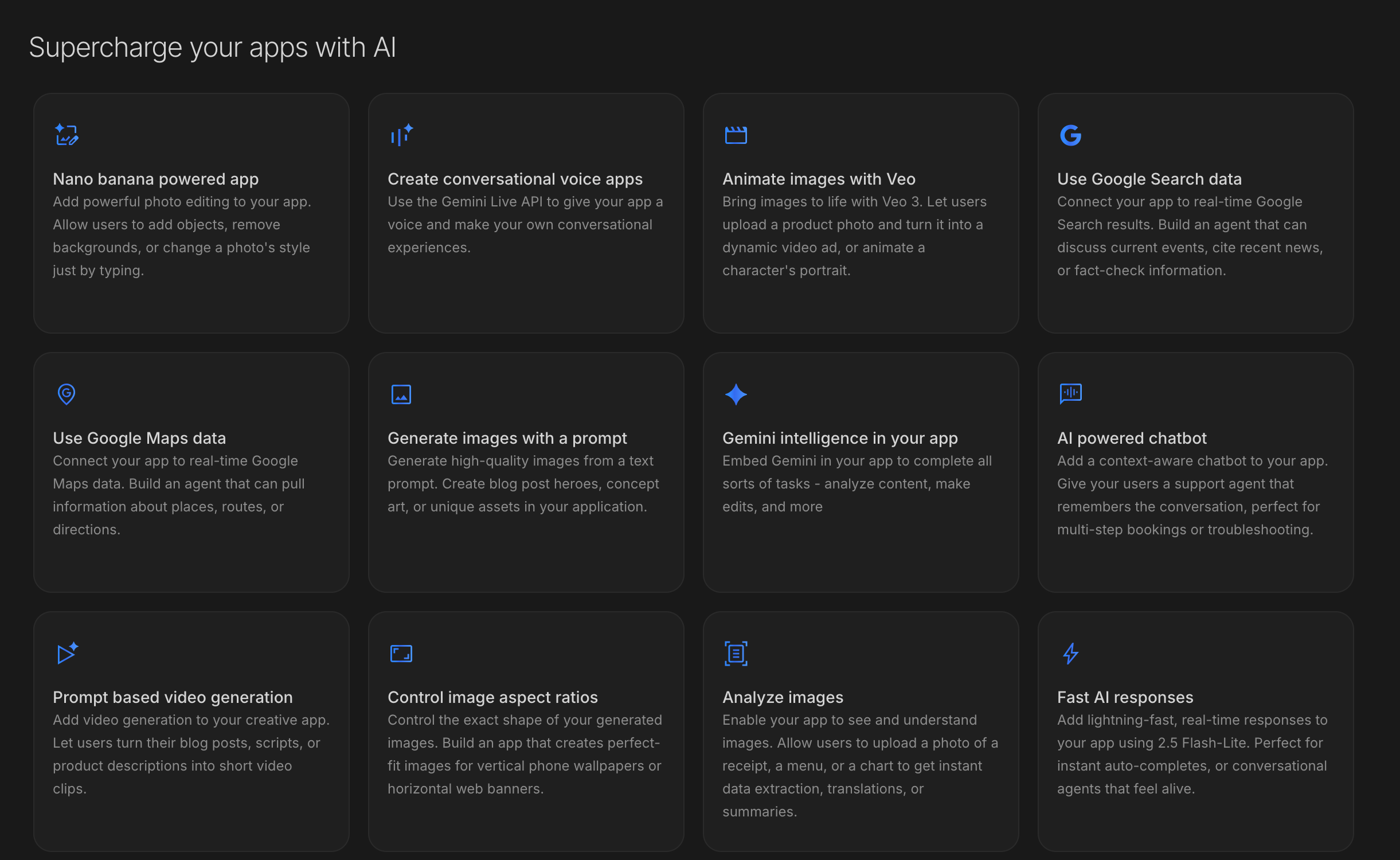
For this test, I created a Pomodoro timer with user logins and streak tracking.
The Prompt: A browser-based Pomodoro timer that tracks how many Pomodoros you do per day and generates a heat map of your consistency over time. It should have user logins so users can see their progress, and it should have a compelling landing page.
Features and Suggestions
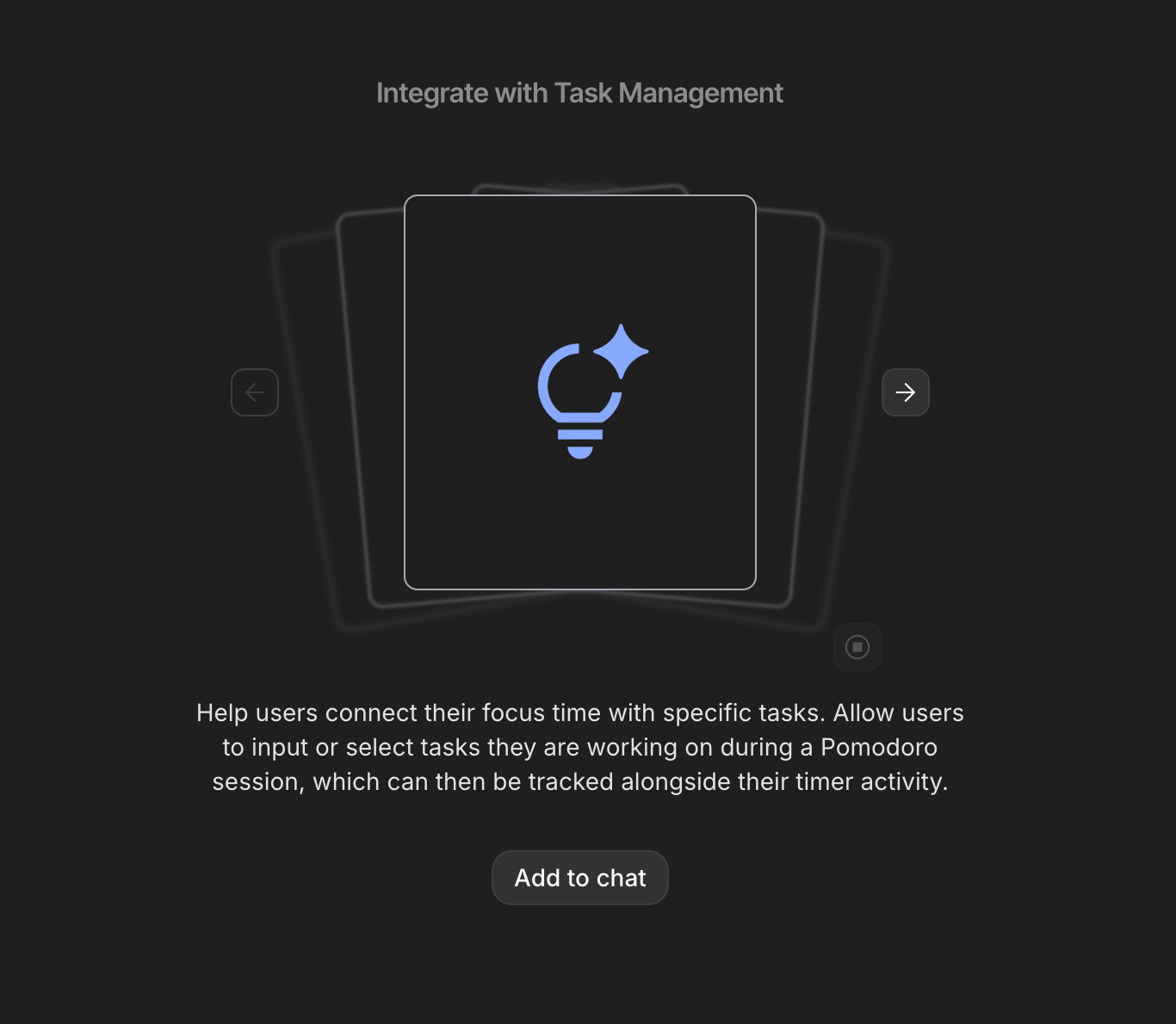
As AI Studio builds the initial version of the app, it suggests other features we could add based on the initial prompt, and you can even pre-load them into the chat to give it more tasks once the first version is done.
From the ideas, I really like the ones to let the user customize their focus and break times, add task management, and send a notification when the timer finishes.
Testing The App
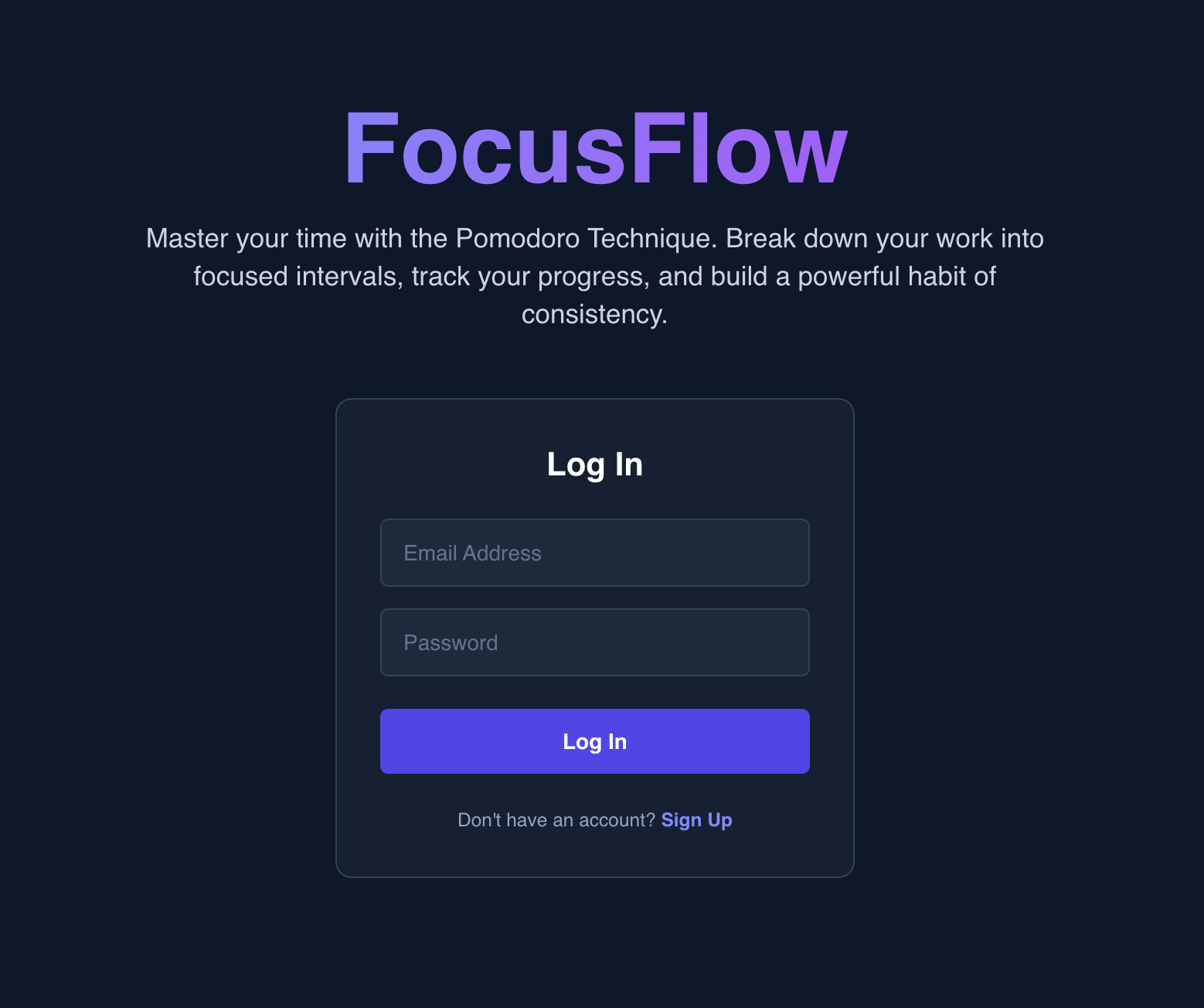
After a few minutes, AI Studio gives us a preview of the working app. There’s a simple login page:
Which takes us to the app!
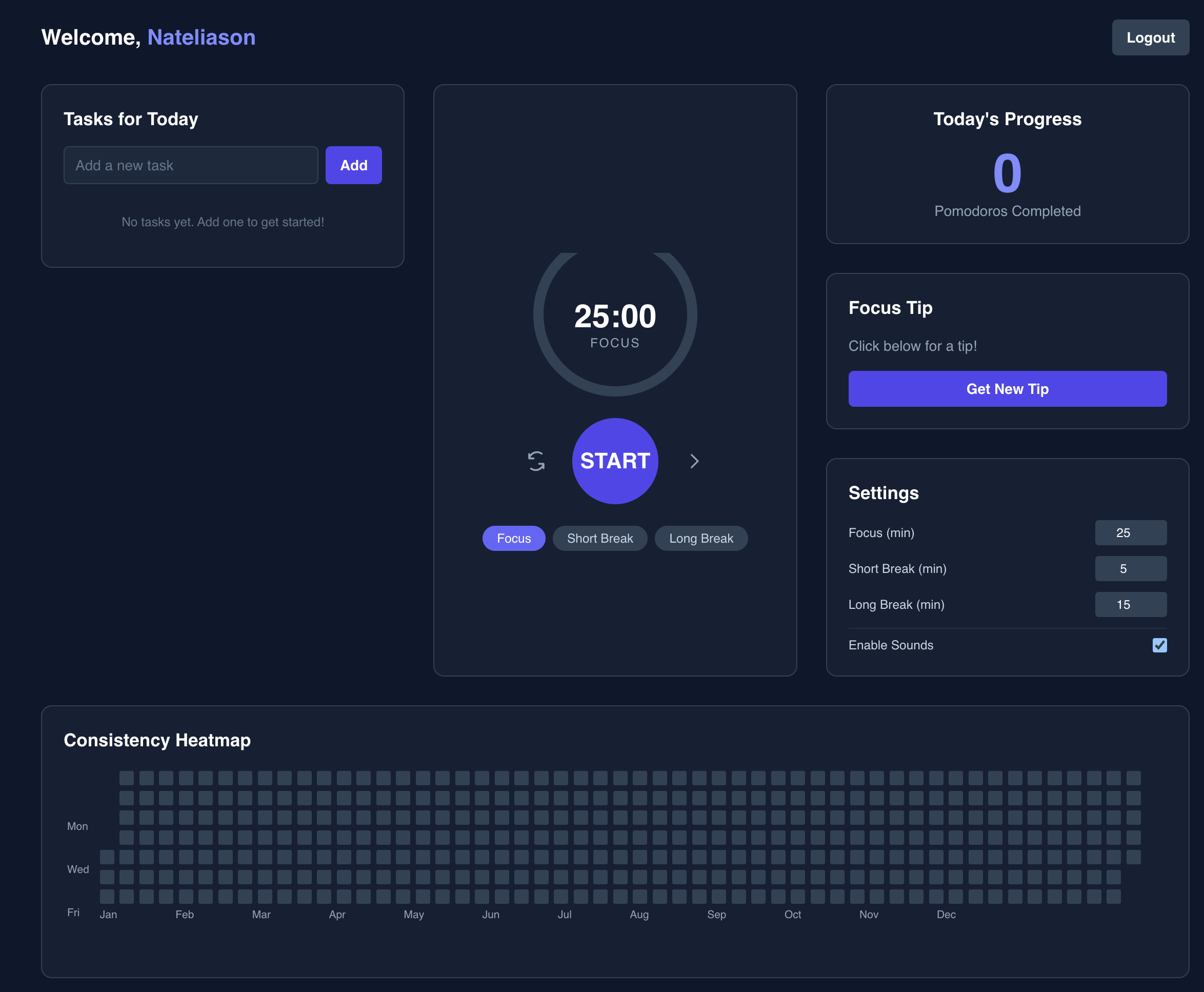
Now off the bat, there are immediately some issues that need to be fixed. The circle is getting cut off, the dates don’t line up when I hover over the days in the heatmap, and the UI is kind of a mess.
But, for a single prompt, this is pretty good! The timer works, the customization works, and we can add tasks and track them.
I can tell though that it’s not a true user login system, so I wonder if AI Studio can actually build one.
The Limits of AI Studio
This is where things get a little bit more challenging for these tools. Can it actually build in user authentication, or are we going to have to leave AI studio and go to a more advanced tool to do that?
Basically, can it build a backend?
Unfortunately the answer is no. If you push AI Studio it will eventually say “I’m just a frontend engineer and I can’t build the backend for proper user login, but I can set up the pages for someone else to implement it.”
So Studio is helpful for getting started, but you will eventually need to take your code and move it into a more powerful tool. Unless you purely want a browser app with no user accounts or more complicated features.
Exporting Your Work to a More Powerful Tool
You have two options for moving your work out of AI Studio.
Once you’ve created an initial draft of something, you can either save it to your GitHub account or you can just download all the code for your app.
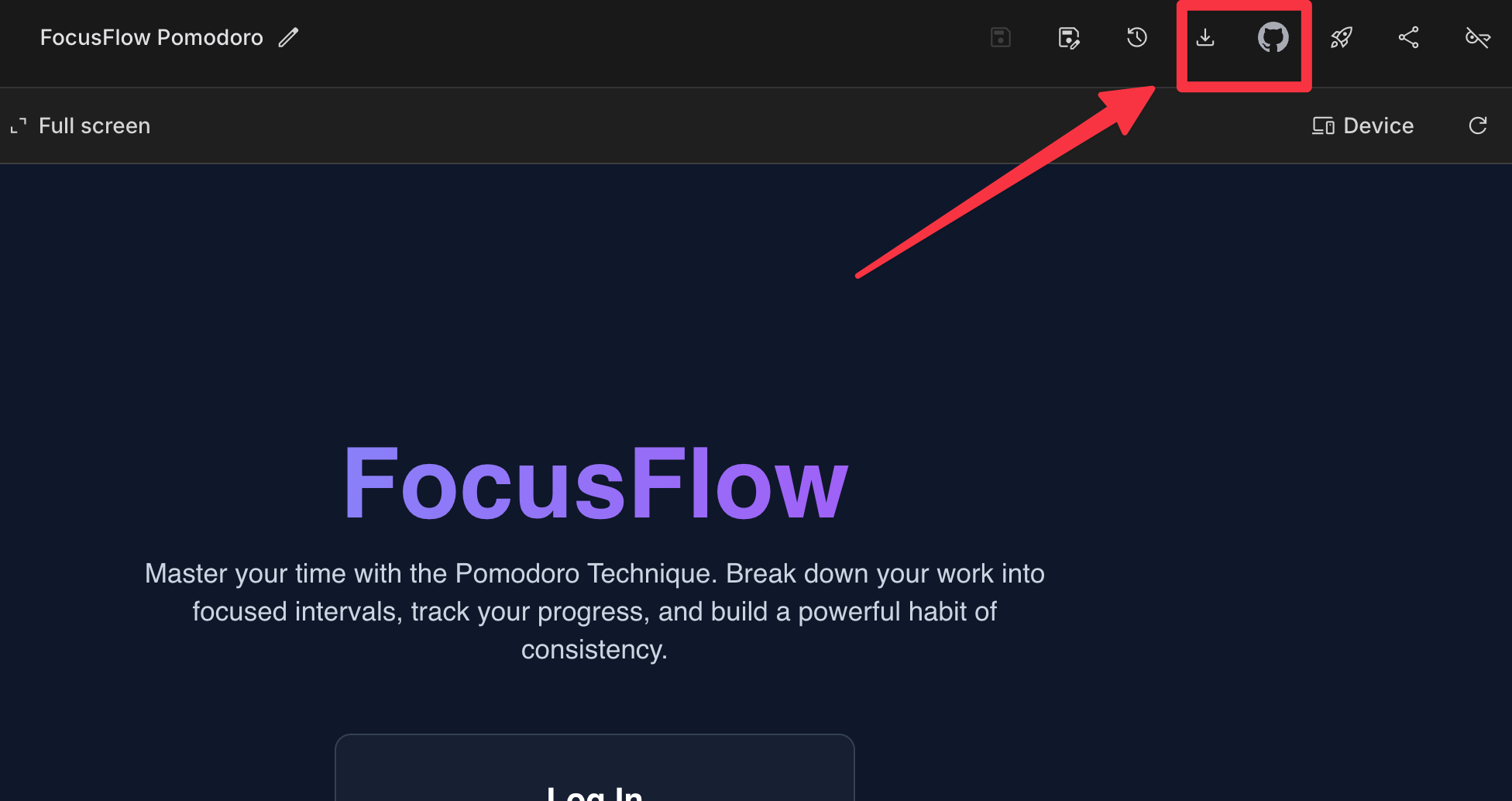
At this point, I would download the app and finish it up using Cursor, following the methodology in Unit 2 of Build Your Own Apps for how to integrate a database and user logins.
Conclusion
If you’re on the go or you’re just curious about getting something started and you want to try mocking it up, Google AI studio is a great place to do it.
But it is still fairly limited. Other browser-based tools like Replit give you much more power to flush out the backend of your app and even deploy it.
So if you want to try vibe coding and you already have a Google account, this is a good place to get started, but you’ll hit the limits of the tool rather quickly.
That said, this is just the first version. I’ll be excited to see how AI Studio develops, and I suspect that in the next six to twelve months, you’ll be able to build a fully fledged app right here.
Be sure to check out the video for the full demo!
Nice demonstration of a very simple prompt. Makes for a good taste test.
How was it at debugging? It sometimes feels like the number of serious, noticeable bugs in agentic tools’ frontend code only ever approaches zero and never actually gets there.