
The Best Vibe Coding Tools as of October 2025
Best, Fastest, Cheapest, and More

With AI coding and vibe coding tools changing by the minute, and new ones launching every day, it can feel almost impossible to stay on top of the best ones to use.
I spend most of my day using vibe coding tools for my own software like Covici, for my consulting clients, and to teach my “Build Your Own Apps with AI” course.
To save you a ton of time researching and testing things out on your own, here are the absolute best vibe coding or AI coding tools to use for different situations you might want to use them in as of October 2025.
And if you prefer to watch me demo these as I go, be sure to check out the video version of this post:
Best Overall Tool: GPT Codex
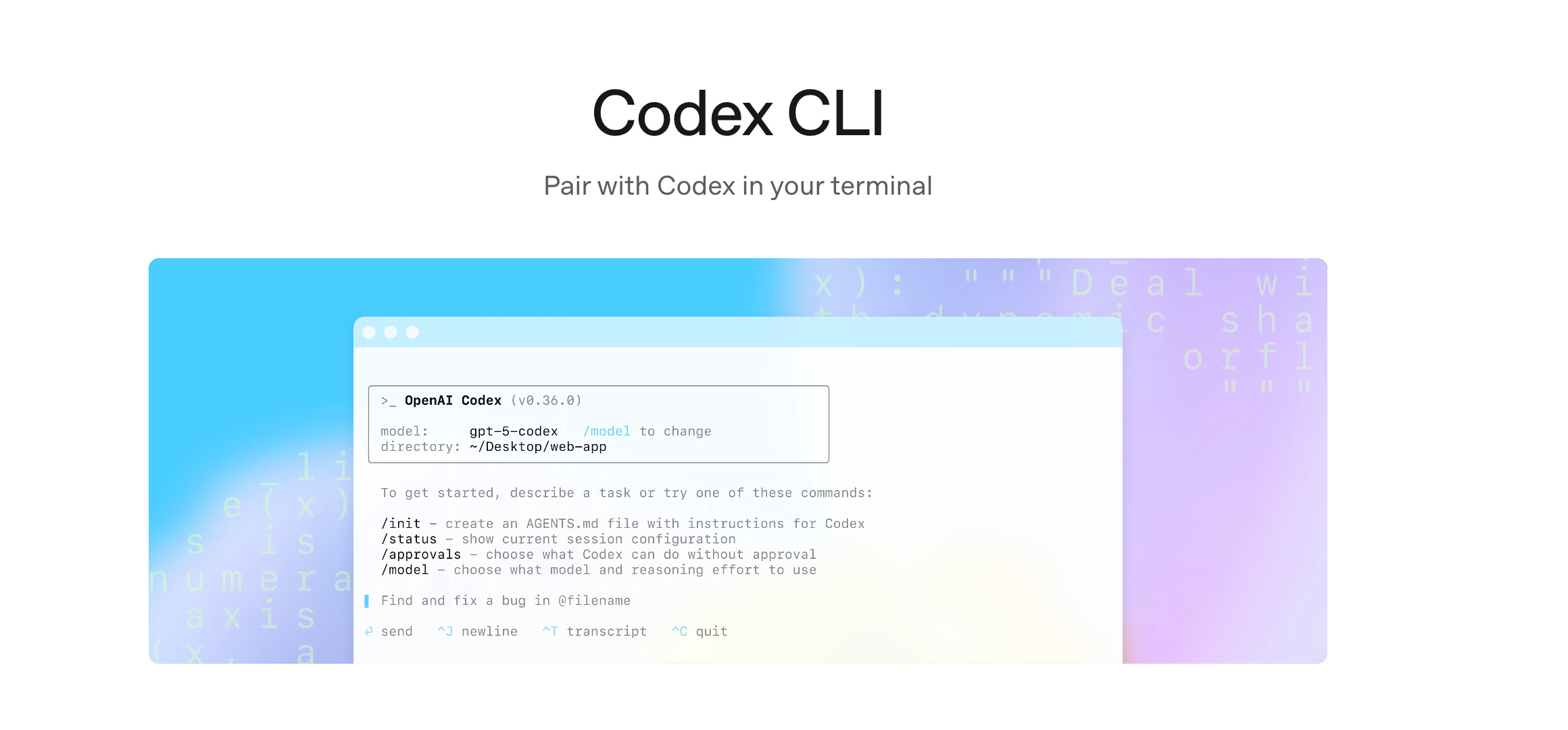
First and foremost, if you’re only going to use one thing, I recommend GPT Codex. Specifically the Codex Command Line tool running GPT-codex-5.
Codex is a command line tool that lets you run an agent from your terminal to do all of your vibe coding for you. If you already have a ChatGPT subscription, then you’ll be able to use this to pay for a certain amount of Codex credits automatically.
This saves you from having to sign up for another tool, and it is far and above the best coding agent out there right now.
You can easily install it from your command line by running:
npm install -g @openai/codex
Once it’s installed, you can open it in your terminal of choice, and all you have to do is type Codex, then all you have to do is tell Codex a simple command for what you want it to do with your code, then Codex will get to work.
One criticism of Codex is that sometimes it feels a little bit slow. However, I actually see this as a good thing because, unlike some of the faster AI coding agents like Sonnet or Grok Code, Codex usually requires fewer follow-ups.
You can let it run on its own for 5, 10, 20 minutes, however long it needs, and then come back to it, and you’re going to have a very solid solution. So you’re getting more out of each prompt that you put into it, and you don’t need to constantly be following up with it.
If you’re just using one thing, I definitely recommend using Codex in the command line interface because that is going to give you the best bang for your buck.
Fast and Reliable: Claude Code
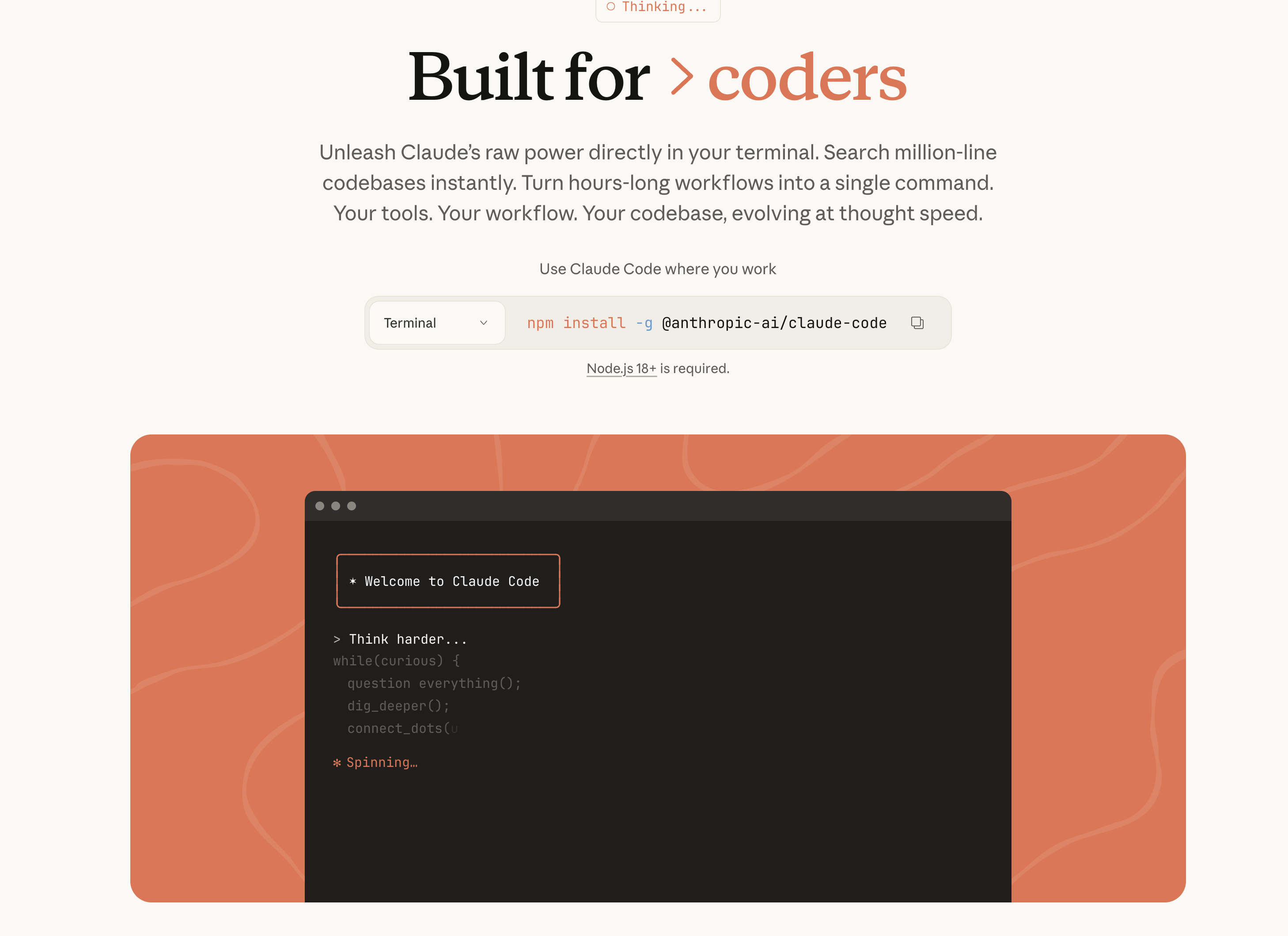
If you’re looking for a coding agent that can get your work done very quickly and is great for smaller tasks, like changing something on your site or adjusting a little part of the user experience, but maybe not doing a full architect of an app or implementing a major feature, I really recommend Claude Code.
There is some debate about whether Claude Code or GPT Codex are better. And to be fair, this is a close call and might be personal preference. It is a wonderful tool, and I use it extensively.
Installing it is once again very easy. You can just run this command in your terminal:
npm install -g @anthropic-ai/claude-code
Then you can start a session by typing “claude”.
This works basically the exact same way as Codex, where you can type in commands for things that you want it to change. You’ll see all of the changes appear in your code as it’s working, and then it can even open PRs and push stuff to GitHub for you.
With the recent release of Sonnet 4.5, Claude Code does excellent work for significantly cheaper than it used to. And just like GPT Codex, Claude Code can use your existing Anthropic subscription to cover a certain amount of your credits when you’re using Claude Code.
So if you’re not doing anything crazy and you want something fast and reliable, especially if you already have a Claude subscription, then I definitely recommend you try out Claude Code.
Free Option: Grok Code Fast in Cursor
Now, what if you want something that is fast, reliable, and free?
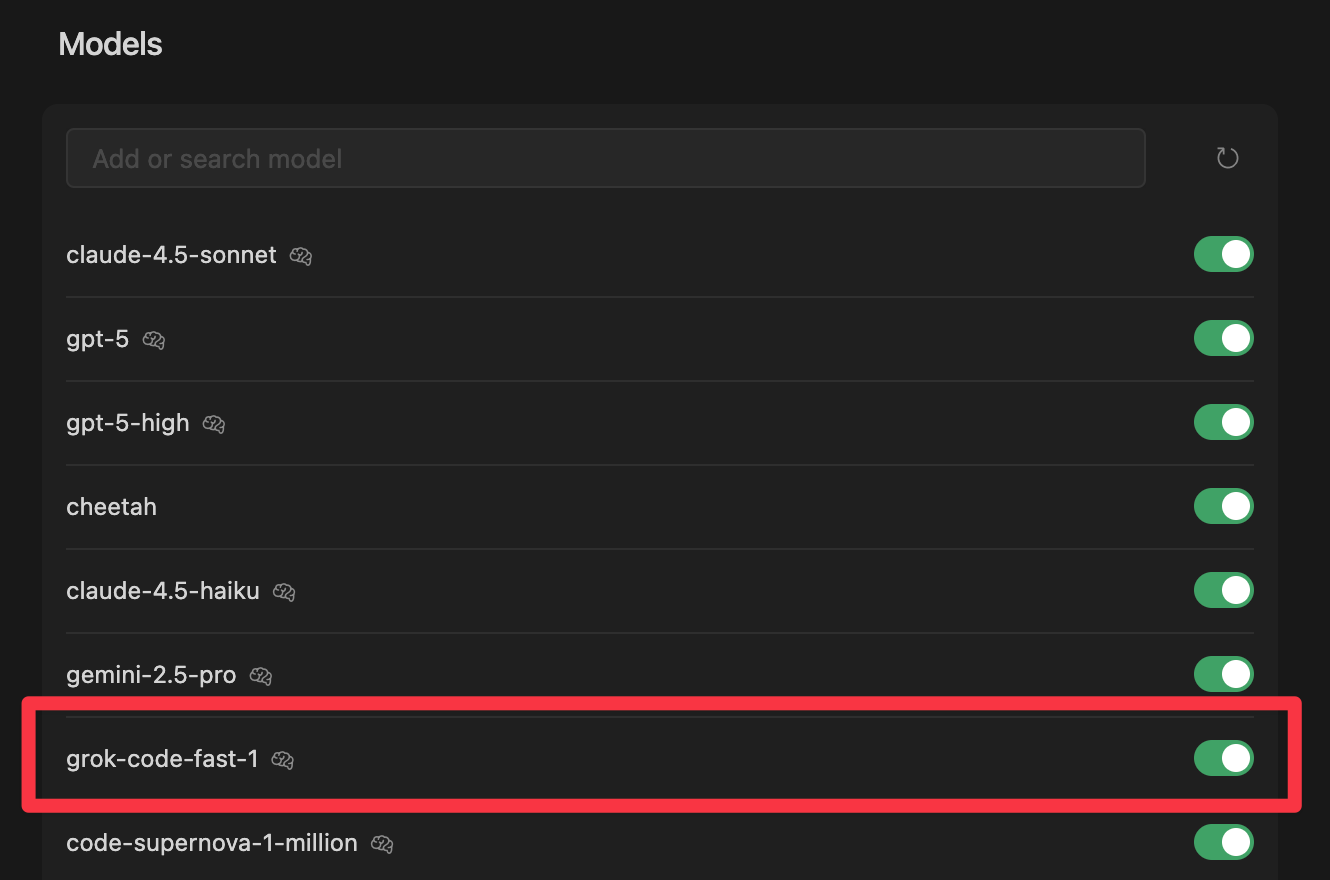
For that, I’m going to recommend the Grok Code Fast model in Cursor. It’s free (for now at least), and can still do impressive work. I wouldn’t rely on it as much as Claude or Codex, but especially for smaller tasks it’s an excellent option. Especially when you want to save on your more expensive credits.
Finding it is a little tricky though. It’s not in the default Cursor agent dropdown, you need to activate it.
Go to Add Models. Then scroll down a ways where you can find Grok Code Fast 1. Once you turn that on, it will be available in your models list.
So if you want to be cost-conscious while still doing a lot of vibe coding, this is a really great option for you to consider.
Not currently using Cursor? Build Your Own Apps students get a free month of pro, and most of the course is taught using Cursor!
Running Multiple Agents: Conductor
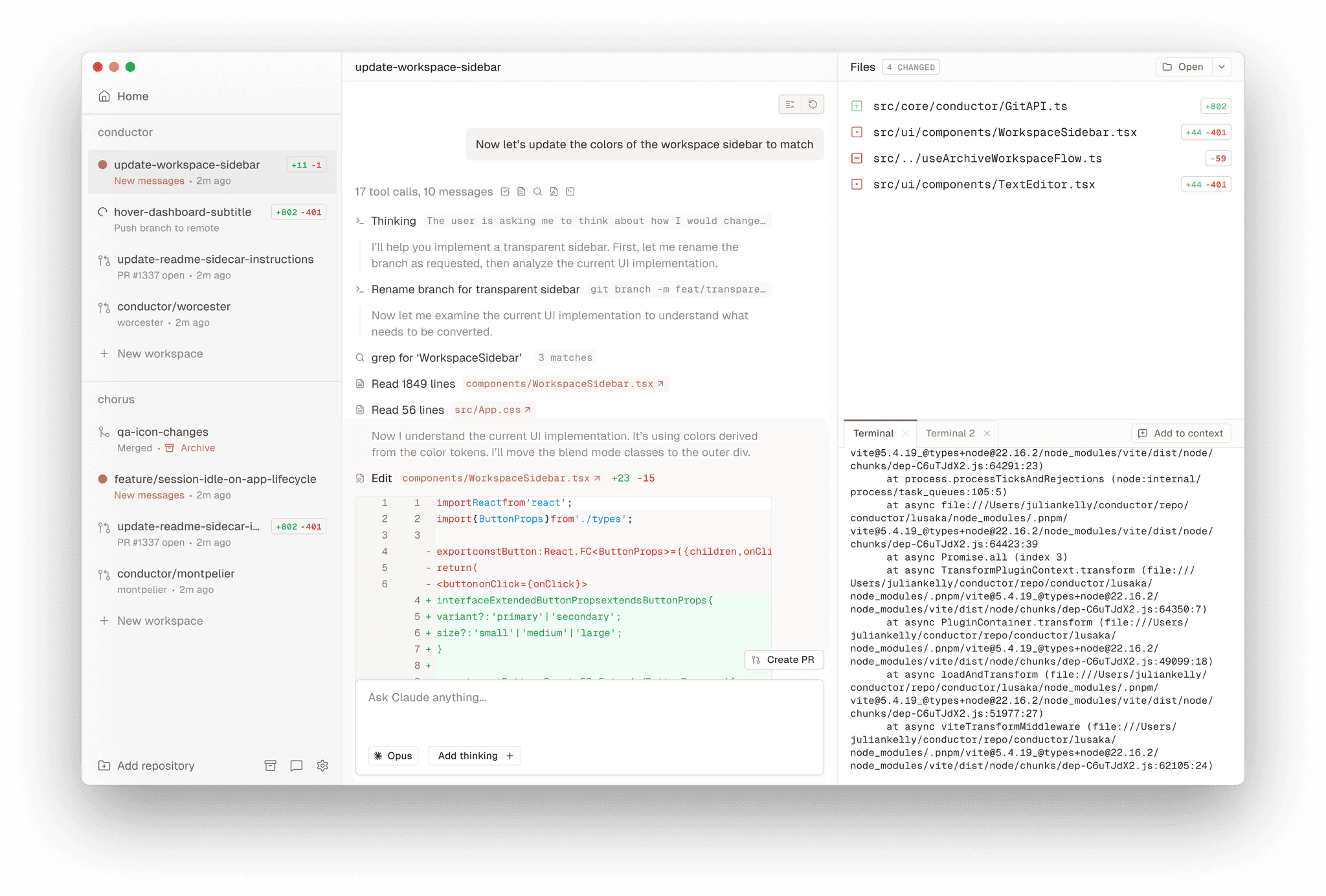
Now, what if you want to run multiple programming agents at once, either within the same project or across multiple projects?
There are obviously a few ways to do this. You can spin up multiple tabs in Cursor and have different Cursor windows open to manage them that way.
You can, of course, open up multiple terminals, run separate instances of Codex or Claude in each of them, and lay them out in a grid on your screen.
But the best way that I have found to do this is with a tool called Conductor.
Conductor provides a beautiful user interface where you can manage your coding agents across your different projects.
It makes it so easy to spin up new agents to work on things, and you get notifications and status updates as things change and as they need your feedback.
Starting a new one is very simple. You open it up, it runs whatever setup scripts you’ve defined for it, and then you can just issue some commands. If you have multiple agents running at once, they’re not on top of each other causing any kind of conflict, because Conductor runs each agent in a Git WorkTree, where each agent is working in an isolated version of your code.
And even though Conductor advertises itself as a tool for Claude Code, you’re not limited to using Claude in Conductor because you can also use their terminal to run Codex. Even if I’m using Codex, which is not the main thing that Conductor is optimized for, I’ll still do it in Conductor because these WorkTrees allow me to be confident that my work isn’t going to overlap and I’m not going to cause issues by doing multiple things at once.
So if you want to run multiple agents in parallel, I definitely recommend Conductor.
Vibe Coding on the Go: Factory
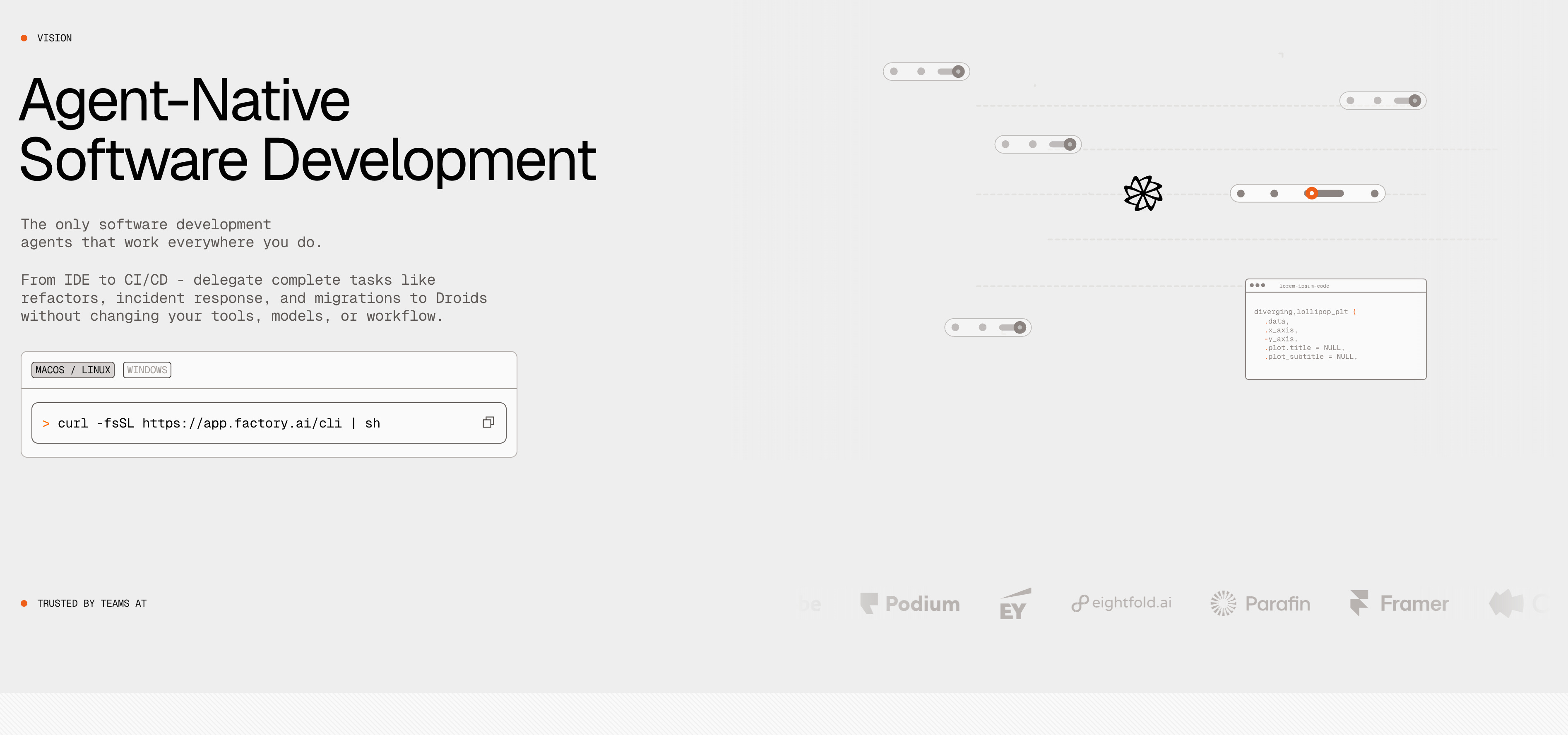
Say you’re not at your computer and you want to get a coding agent to go do some work for you while you’re off at dinner or while you’re sleeping. For that, I really love Factory.
Factory has their own UI that you can log into to dispense coding agents across your different projects.
Similar to what you saw in Conductor, this allows me to send off a coding agent to work in the cloud on any of my projects.
And one big benefit with Factory over the command line tools is that you can specify the model you want to use for each task, so you can easily switch between Claude and GPT depending on what you’re doing.
The great thing about Factory is that if I close my computer, it will keep going, which you don’t get when you’re using the local tools like Cursor or the command line interfaces in the terminal and with Conductor.
So if you want to code on the go or send agents to work remotely while you’re doing other things, Factory is an excellent tool for that.
Code Review: Claude Code’s Github Integration
What about making sure that your vibe coding tool of choice doesn’t create any breaking issues or push unnecessary code?
The best code review tool I have found is the Claude Code GitHub app, which includes code review.
If you go into a Claude Code session, start typing “/git” to bring up the “install GitHub app” option. Go through that flow, and you’ll add the Claude Code review app and tool to your GitHub repository for wherever you’re working.
Once that has been added, whenever you open a new PR on GitHub, Claude will automatically run this review process on your code.
It will look at the strengths, some code quality issues, as well as potentially breaking issues. Then it will give you suggestions for how to improve your code before you commit it to the main branch of your repository.
This is excellent for getting a second set of eyes on anything you are vibe coding, especially if you’re a solo engineer.
What I will often do is do the bulk of my work using Codex, push it up to GitHub, and open a PR. Then I get Claude to review Codex’s work.
Once Claude gives me this feedback, I’ll paste the relevant parts back into Codex and ask it to review the feedback and see what it agrees with before implementing any of the suggestions.
This gives you a very powerful review process for making sure that you are pushing high-quality code and not just committing everything that AI generates on its first try.
Best Coding Frameworks
Finally, what is the best coding framework to use for vibe coding?
If you’re building a simpler website, like a landing page and blog, then definitely I recommend Next.js on Vercel. All the vibe coding tools are really, really good at writing within this framework. You’re not going to have too many errors, and it’s going to be easy to set up.
If you’re doing a little bit more robust of a web app, like what I’ve done with my writing tool, I recommend using Laravel.
I have found that because Laravel is a little bit more opinionated of a framework, you often get issues or requests resolved in fewer prompts when you’re vibe coding in Laravel than you do in other frameworks.
And you can do basically everything you would want to do in a web app using it. If you haven’t tried it out, I definitely recommend that.
What Did I Miss?
Those are, in my opinion, the best apps to use for vibe coding or AI engineering as of October 2025.
But I might have missed some. If there are any that you think should absolutely be on this list, or if there are any categories that you think should be on this list that I didn’t talk about, drop a comment below.
I’d love to hear what you’re using and loving, or what you would like to find a great solution for when I come back and update this list again.
I’m not sure where this might go in a post like this, but it strikes me that the main thing you’re missing is pre-commit slash github/workflows. Linters, tests and checks are a good way to make almost any language opinionated, and result in far less slopware. I’m actually of the opinion that iterating on CI jobs until everything passes is the main thing that vibe coding’s detractors are missing.
Thanks very useful, good read